What is a Bulk IP Address Checker?
A Bulk IP Address Checker is a specialized tool that allows you to look up the geographical location and Internet Service Provider (ISP) of multiple IP addresses at the same time. Instead of using a single IP lookup tool 50 times, you can paste a list of 50 IPs into our tool, and it will fetch the data for all of them in seconds.
This tool is incredibly useful for website owners, data analysts, and cybersecurity professionals who need to analyze server logs or track down suspicious activity.
How to Use Our Bulk IP Checker (Step by Step)
Using our tool is very simple. Follow these steps:
- Prepare your List: Copy your list of IPs from Excel, a text file, or a CSV file. Make sure each IP is on a new line or separated by a comma.
- Paste the List: Paste the IPs into the large text box at the top of this page.
- Click Check: Hit the "Check IPs" button. Our tool will process each IP one by one.
- Review Results: Once done, you will see a table with the Country, City, and ISP for every IP.
- Export: Click the "Export CSV" button to download the results back to your computer.
Why Do SEO Professionals Use Bulk IP Checkers?

If you are wondering why an SEO tool website has a Bulk IP Checker, the answer lies in Backlink Analysis.
When analyzing a competitor's backlinks, you might download a list of 100 websites linking to them. A smart SEO professional will run those domains through an IP checker. Here is why:
- Detecting PBNs (Private Blog Networks): If 20 different domains are all hosted on the exact same IP address (or the same /24 subnet), it is a massive red flag. It means one person likely owns all of them and is using them to manipulate rankings.
- Avoiding Bad Neighborhoods: If an IP address hosts hundreds of spammy, adult, or casino sites, you do not want your link on that same server.
- Server Location: If you are targeting a local audience in the UK, but all your backlinks are coming from servers in Russia, Google might view them as unnatural.
How to Check IPs in Excel or CSV
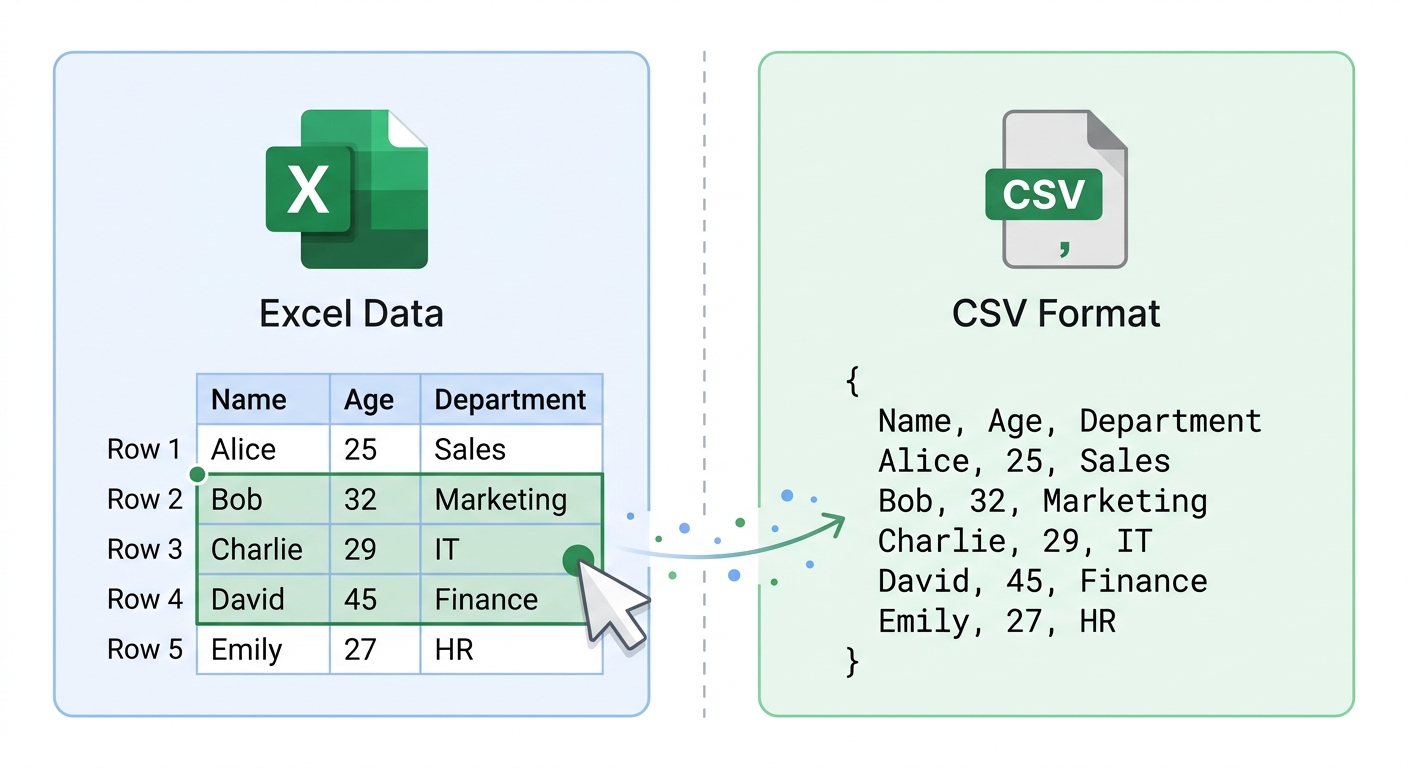
Many users search for an IP address checker for Excel or CSV. Here is the easiest workflow:
- Open your Excel spreadsheet containing the IP addresses.
- Select the column with the IPs and press
Ctrl+C(or Cmd+C) to copy. - Paste them directly into our text box above.
- Run the check.
- Click "Export CSV" on our tool, and open the downloaded file in Excel.
- You can now use Excel's VLOOKUP to match the results with your original data.
IPv4 vs. IPv6 in Bulk Lists
Our tool supports both IPv4 (e.g., 8.8.8.8) and IPv6 (e.g., 2001:4860:4860::8888) addresses. However, most server logs and backlink lists still primarily use IPv4. If you are mixing them, ensure they are formatted correctly before pasting.