What is Anchor Text? (And How to Use It for SEO)
Written by Habib Ur Rehman • Last Updated: November 10, 2026
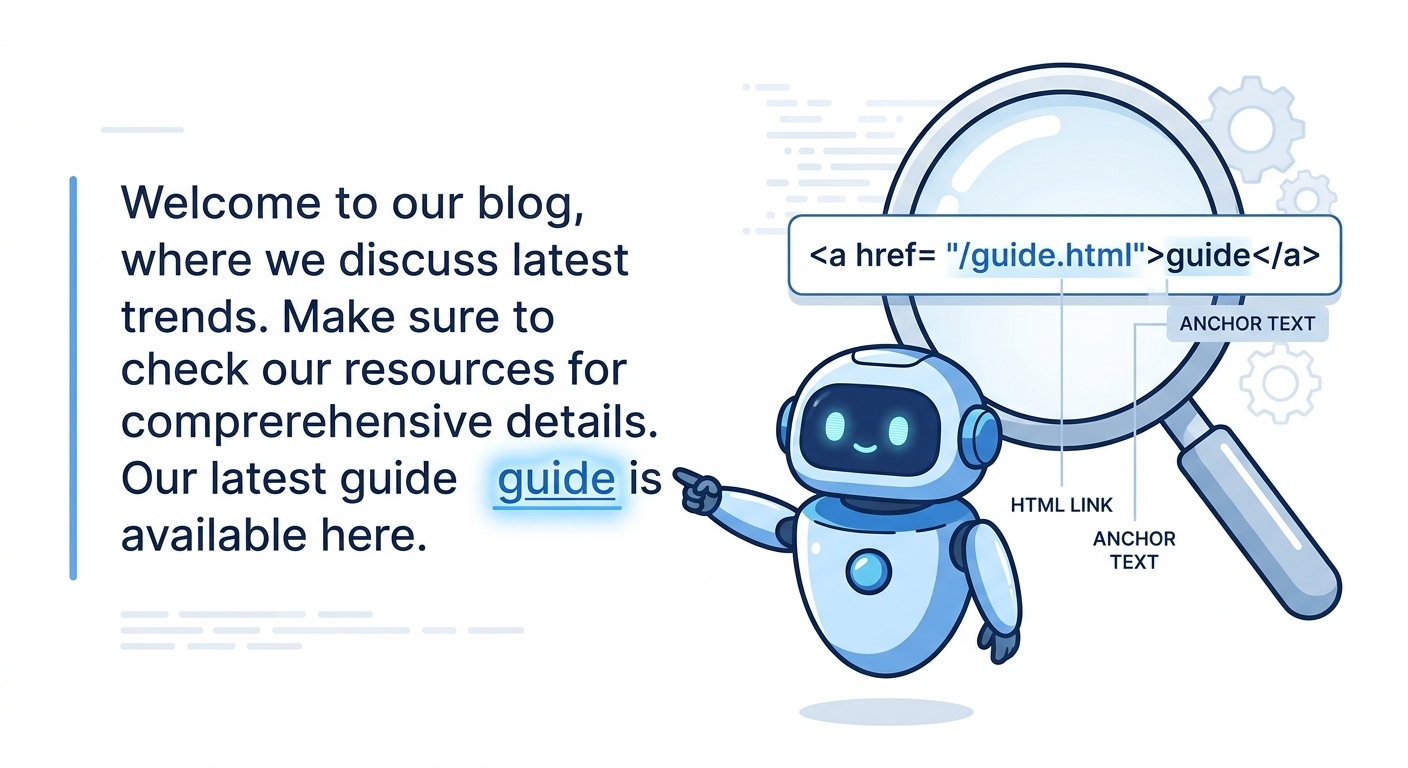
Quick Summary: Anchor text is the clickable text in a hyperlink. It is the blue, underlined text you see in articles. It tells both users and search engines what the linked page is about. Using the right anchor text is very important for SEO because it helps Google understand your content and pass ranking power (link juice) to the right pages. However, using the exact same keyword every time can look spammy. It is best to use a natural mix of different anchor text types.
Hello! Imagine you are reading a blog post, and you see a link that says "Click here." Would you click it? Maybe. But what if the link said "Learn how to bake a chocolate cake"? You would be much more likely to click it because you know exactly what you are getting.
That clickable text is called anchor text. And it is one of the most misunderstood parts of SEO. Many people just use "click here" or the URL itself. This is a missed opportunity. Anchor text is a powerful signal to Google. It tells Google what your page is about and helps it rank for specific keywords.
In this guide, I will explain exactly what anchor text is, the different types you can use, and the best practices to follow. I will also show you how to audit your anchor text and fix common mistakes. Let's get started.
What is Anchor Text?
Anchor text is the visible, clickable text in a hyperlink. When you add a link to a word or phrase in your content, that word or phrase becomes the anchor text.
In HTML, it looks like this:
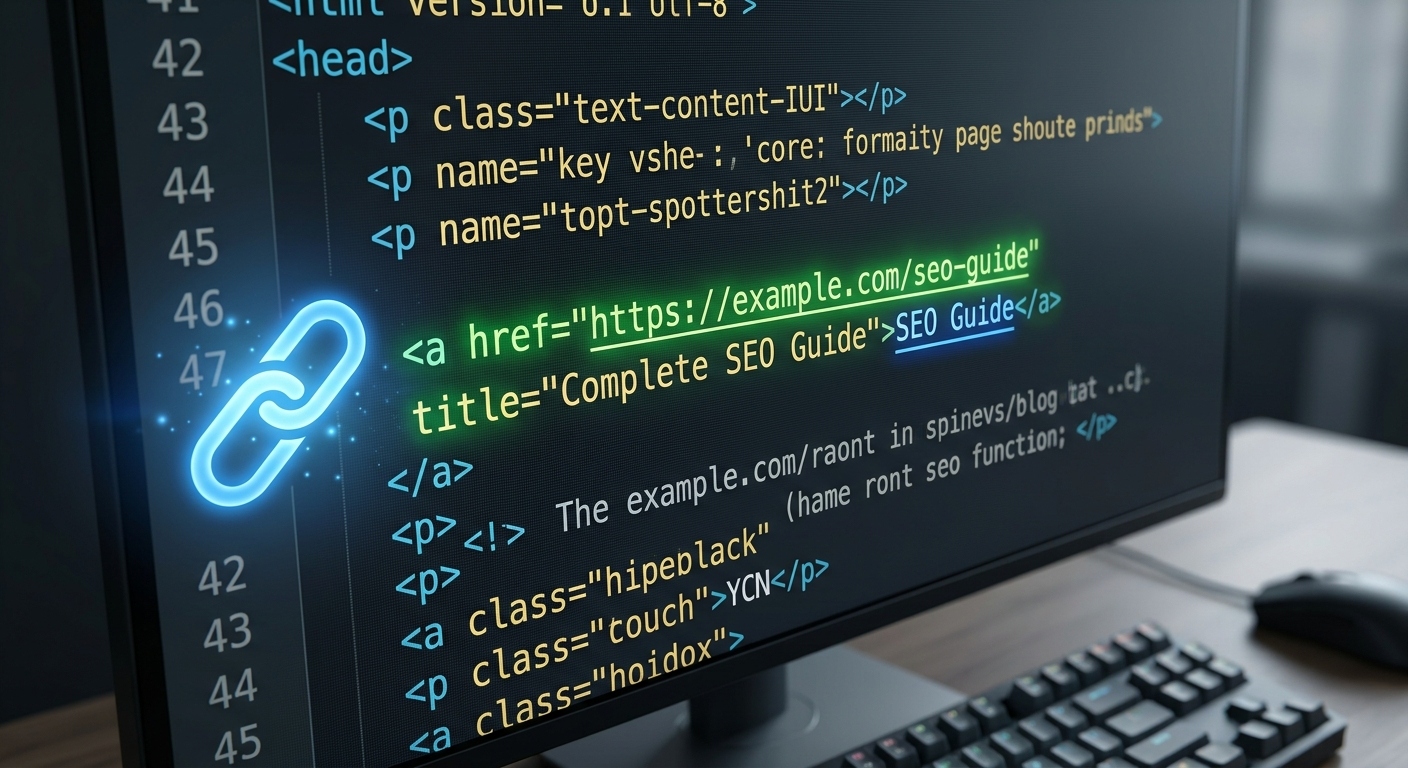
<a href="https://example.com/seo-guide">Read our SEO Guide</a>In this example, the anchor text is "Read our SEO Guide." When a user clicks on it, they are taken to the URL specified in the `href` attribute.
Why Does Anchor Text Matter for SEO?
Anchor text is not just for user experience. It is also a very important ranking factor for Google. Here is why:
1. It Tells Google What the Linked Page is About
Google uses the anchor text as a hint about the content of the page you are linking to. If a lot of people link to your page using the anchor text "best coffee maker," Google will assume your page is about the best coffee maker, and it might rank you for that keyword.
2. It Passes "Link Juice"
When you link from a high-authority page to another page, you pass some of your "link juice" (ranking power) to the linked page. By using descriptive anchor text, you tell Google exactly what keyword that link juice should be associated with.
3. It Improves User Experience
Good anchor text tells users what to expect. If they click a link that says "How to fix a broken link," they will not be surprised if the destination page is a tutorial on broken links. This reduces bounce rates and keeps users on your site longer.
The Different Types of Anchor Text
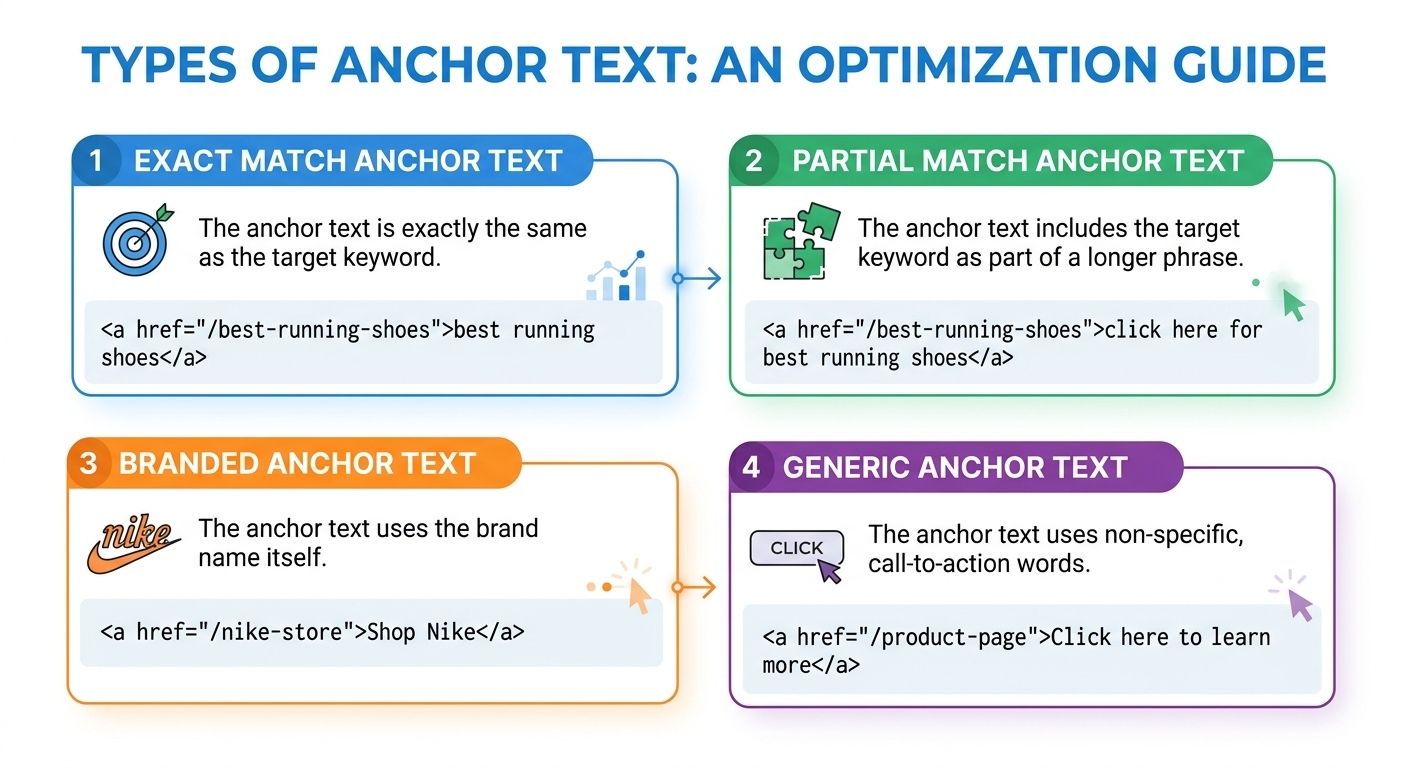
To use anchor text effectively, you need to know the different types. Here is a quick breakdown:
| Type | Description | Example |
|---|---|---|
| Exact Match | Uses the exact keyword you want to rank for. | SEO Tools |
| Partial Match | Uses the keyword along with other words. | The best SEO Tools for beginners |
| Branded | Uses your brand name. | SEO Review Kit |
| Naked URL | Uses the raw website address. | https://seoreviewkit.com |
| Generic | Uses vague words like "Click here" or "Read more". | Click here |
| Image Alt Text | Uses the alt text of a linked image. | (Image of a coffee maker) |
Best Practices for Using Anchor Text
Now that you know the types, how do you use them correctly? Here are the best practices you should follow.
1. Keep it Natural
This is the most important rule. Your anchor text should sound like it was written by a human, not a robot. Do not force your keyword into every link. If you are linking to a page about "SEO tips," you can use anchor text like "SEO tips," "tips for SEO," or "learn more about SEO."
2. Use a Mix of Types
If you use exact match anchor text for 100% of your backlinks, Google will think you are trying to manipulate the algorithm. A natural link profile usually contains 30-40% branded anchor text, 20-30% naked URLs, and a small percentage of exact match. When you are doing internal linking, you have more control. Use a mix of exact and partial match.
3. Make it Relevant
Your anchor text must describe the page you are linking to. Do not link a page about "chocolate cake" using the anchor text "best laptops." Google will see this as irrelevant and might ignore the link.
4. Avoid "Click Here"
Using "click here" is a waste of a good opportunity. It tells Google nothing about the destination page. Instead of "Click here to learn how to bake a cake," say "Learn how to bake a cake."
5. Don't Link Every Keyword
Some beginners try to link every single mention of their keyword. This looks spammy and can hurt your rankings. Only link when it is helpful to the user.
Common Anchor Text Mistakes to Avoid
- Over-optimization: Stuffing your exact keyword into every link. This is the #1 cause of Google penalties.
- Too many links: If your page has 100 links, Google might ignore them all. Keep it reasonable.
- Linking to bad pages: If you link to a broken page (404 error) or a low-quality website, your own site's ranking can be hurt. Always use our Broken Link Checker to make sure your links are working.
How to Audit Your Anchor Text
If you have a website, you should check your backlink anchor text regularly. You can use tools like Ahrefs or Semrush to do this.
If you see that 80% of your backlinks are using the exact same keyword, you should try to get more branded or naked URL links. You can also use our Domain Authority Checker to see your overall site strength. If your DA is high, you can handle more exact match links. If it is low, you need to be more careful.
A Note from the Developer
"In my early days of SEO, I built a lot of backlinks using the exact same anchor text. I thought I was being smart. But then Google released an update, and my rankings dropped from page 1 to page 5 in one night. It was a hard lesson. Now, I always focus on getting a natural mix of anchor text. I even use my brand name and plain URLs sometimes. It looks more natural, and it keeps me safe." — Habib Ur Rehman
Frequently Asked Questions
What is anchor text?
Anchor text is the clickable text in a hyperlink. It tells both users and search engines what the linked page is about.
What is exact match anchor text?
Exact match anchor text uses the exact keyword you want to rank for as the link text. For example, linking the word "SEO tools" to your SEO tools page.
Can too much exact match anchor text hurt SEO?
Yes. If you use the exact same keyword for all your backlinks, Google might see it as unnatural or spammy. It is best to use a mix of different anchor text types.
Should I use "click here" as anchor text?
No. "Click here" tells Google nothing about the page. Use descriptive text that explains what the user will find if they click.
Conclusion
Anchor text is a small detail, but it has a big impact on your SEO. By using descriptive and natural anchor text, you help Google understand your content and improve your rankings. Remember to use a mix of different types, avoid over-optimization, and always check your broken links.
If you want to check your website's overall health, use our free Domain Authority Checker and Broken Link Checker. Happy optimizing!
Explore More Free SEO Tools
Written and reviewed by: Habib Ur Rehman, Full-Stack Web Developer & SEO Specialist.
Last Updated: November 10, 2026.