How to Use Our Google SERP Simulator
To get started, simply enter your proposed meta title, URL, and meta description into the input fields. The preview box on the right will update automatically in real-time, showing you exactly how Google will display your page on a desktop device.
- Enter the Meta Title: Your main headline. Keep it under 60 characters to avoid truncation.
- Add the URL: The path where your page will live (e.g., /best-seo-tools).
- Write the Description: A compelling summary of your page. Keep it under 160 characters.
- Check the Preview: Ensure no text is cut off (truncated) before you publish.
Why is a Free Google SERP Simulator Important?
A Search Engine Results Page (SERP) simulator is crucial because it helps you maximize your Click-Through Rate (CTR). If your title or description gets cut off, users might skip your result.
Prevent Truncation
Google truncates (cuts off) titles that exceed ~600 pixels (around 60 characters) and descriptions that exceed ~960 pixels (around 160 characters). This SEO simulator helps you stay within limits.
Improve CTR & Rankings
According to Google's documentation, a well-written title and description can significantly improve your CTR. Higher CTR signals to Google that your page is valuable.
Optimize Every Aspect of Your SEO
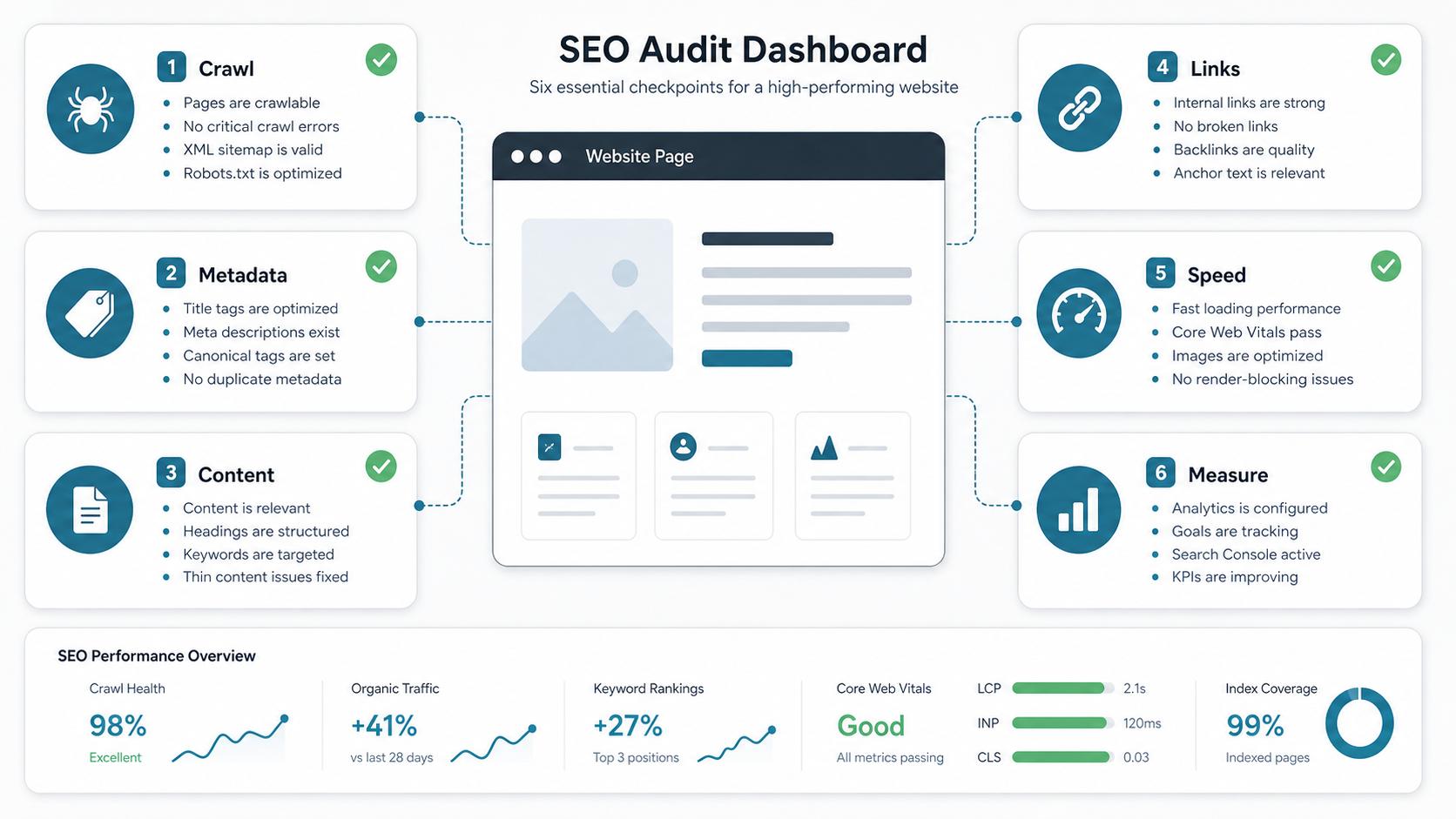
Pair our SERP Simulator with our DA Checker and Speed Checker for total SEO dominance.
Who Needs an SEO Simulator?
- Content Writers: Ensuring their headlines are optimized before hitting publish.
- SEO Specialists: Auditing existing pages to improve low CTR in Google Search Console.
- Web Developers: Setting up dynamic meta tags for a new website template.
Explore More Free SEO Tools
Domain Authority Checker →
Check the DA and DR of any website to gauge its ranking power.
Keyword Density Checker →
Ensure your content isn't keyword-stuffed before publishing.
Speed & Core Web Vitals →
Fast loading times lead to better user experience and rankings.
Robots.txt Generator →
Guide search engine bots to crawl your site correctly.
Our Data Source & Methodology
This tool uses a pixel-width approximation based on standard Google desktop search results (Arial font). It mimics the exact CSS limits used by Google to truncate titles (around 600px) and descriptions (around 960px).
Limitations: Google sometimes rewrites meta descriptions based on the user's search query. The preview shown here is a best-case scenario for how your page can appear.
Written and reviewed by: Habib Ur Rehman, Full-Stack Web Developer & SEO Specialist.
Last Updated: October 30, 2026.
Frequently Asked Questions
What is a Google SERP Simulator?
A Google SERP Simulator is a tool that shows you exactly how your webpage will look in Google search results before you publish it. It helps you avoid truncated titles and descriptions.
How does the Free Google SERP Simulator work?
Our free Google SERP simulator uses a pixel-width approximation based on standard Google desktop search results. It mimics the exact CSS limits used by Google to truncate titles and descriptions.
Why is an SEO Simulator important for CTR?
An SEO simulator helps you maximize your Click-Through Rate (CTR). If your title or description gets cut off, users might skip your result. A well-crafted snippet improves CTR, which indirectly boosts rankings.
Does a high CTR improve my rankings?
Yes, indirectly. If users consistently click on your result and stay on your page (low bounce rate), Google sees this as a strong positive user signal, which can help you rank higher over time.