How to Use Our Robots.txt Generator
A robots.txt file tells search engines which parts of your site they can and cannot crawl. To use this tool, simply configure your paths in the left panel, and copy the generated code to your website's root directory.
- Set Crawl Delay: If your server gets overwhelmed by bots, set a delay (5 or 10 seconds).
- Enter Disallow Paths: Type the URLs you want to block. For example,
/wp-admin/or/cart/. - Add Sitemap URL: Paste the direct link to your XML sitemap so Google can find your pages easily.
- Copy and Upload: Copy the generated code and create a file named
robots.txtin your website's root folder (e.g.,public_html/).
Why Do You Need a Robots.txt File?
Without a proper robots.txt file, search engine bots might waste your server's bandwidth crawling irrelevant pages, or worse, they might index sensitive information.
Block Sensitive Areas
You don't want Google to index your admin login page, checkout pages, or internal search results. A robots.txt file keeps them out.
Manage Server Load
Aggressive bots can slow down your website. Using the Crawl-delay directive can help manage server resources.
Sitemap Discovery
Adding your sitemap link inside the robots.txt ensures Google discovers your new pages instantly. Read more in Google's official guide.
Master Your Technical SEO
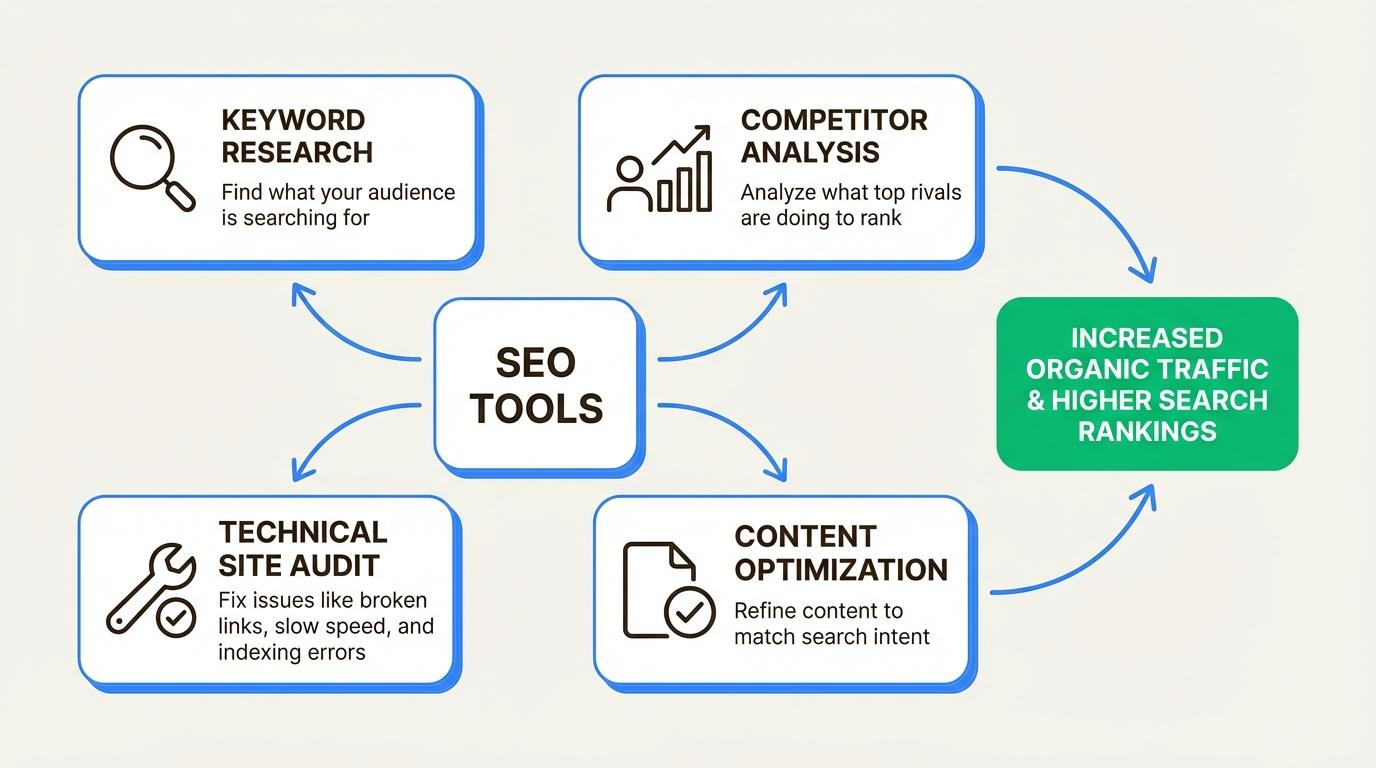
Robots.txt is just one part of technical SEO. Use our suite to fix everything.
Common Mistakes to Avoid
- Blocking CSS/JS files: Google needs to see your CSS and JS to understand how your page renders. Blocking them can hurt your rankings.
- Using the wrong file name: It must be exactly
robots.txt(all lowercase).Robots.txtorrobots.TXTwill not work. - Assuming robots.txt hides a page: As mentioned, it only blocks crawling, not indexing. Use
noindexto hide a page from search results.
Who is This Tool For?
- Web Developers: Setting up a new website or migrating to a new domain.
- SEO Specialists: Auditing a site to ensure Googlebot isn't wasting crawl budget on trash pages.
- E-commerce Store Owners: Blocking bots from crawling cart, checkout, and user account pages.
Explore More Free SEO Tools
Domain Authority Checker →
Check the DA and DR of any website to gauge its ranking power.
Speed & Core Web Vitals →
Test how fast your site loads and fix performance issues.
SERP Simulator →
Preview your title and meta description before publishing.
Keyword Density Checker →
Ensure your content isn't keyword-stuffed before publishing.
Our Methodology
This tool generates a standardized robots.txt file based on the Robots Exclusion Protocol (RFC 9309). It runs entirely in your browser, ensuring your website paths remain private.
Written and reviewed by: Habib Ur Rehman, Full-Stack Web Developer & SEO Specialist.
Last Updated: October 25, 2026.
Frequently Asked Questions
What is a robots.txt file?
A robots.txt file tells search engine crawlers which pages or files the crawler can or can't request from your site. It is part of the Robots Exclusion Protocol.
Where should I place the robots.txt file?
It must be placed in the root directory of your website. For example, https://seoreviewkit.com/robots.txt.
Does robots.txt prevent a page from appearing in Google?
No. Robots.txt only blocks crawlers from reading the page. If the page is linked from elsewhere, Google might still index the URL (without the content). To completely remove a page, use a noindex tag.
Why does the file start with "User-agent: *"?
The asterisk (*) means the rules apply to all search engine bots (Googlebot, Bingbot, etc.). You can also write specific rules like User-agent: Googlebot if you want to block only Google.